Back to Templates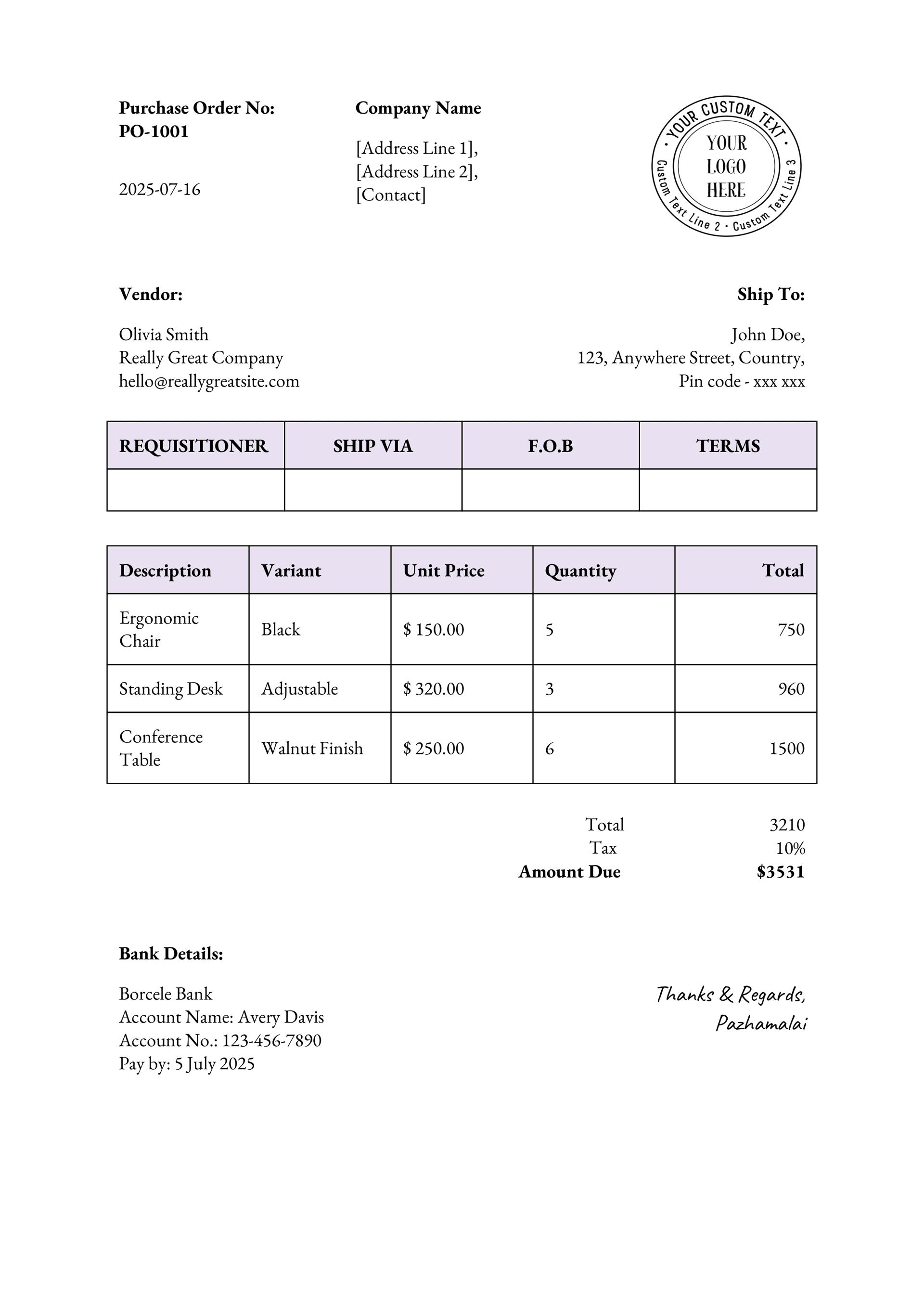
Automate Purchase Orders in 3 easy steps
Track suppliers, products, order status, and line items—all in one place. This template helps you streamline your procurement process, automatically generate purchase orders based on stock levels, and keep your supplier communication organized.
Use this Template Airtable
 monday.com
 Softr
 Fibery
How to Use This Template
Step 1: Sign up and connect your data
Create a free FlexiPage account and connect Airtable, monday.com, Softr, or Fibery.
Step 2: Customize the template
Type @ to bring in your fields. Adjust the layout, colors, and fonts to match your brand, and turn related records into line items.
Step 3: Automate and deliver
Trigger the document from your platform's automations or generate it on demand. FlexiPage saves the PDF back to the record, or sends it for e-signature.
Want Help Customizing?
Invoice Setup Tutorial (Airtable)
Automation Script Guide (Airtable)
Add Linked Records to Your Document (Airtable)
Features
Tailored for No-code tools, Built for you.

Database Fields
Pull data effortlessly by typing @ and bring your fields into the editor.

Line Items
Turn linked records, subitems, or relations into table line items in a few clicks.

Dynamic Images
Add dynamic images that update automatically with your data.

Layout & Orientation
Add landscapes for certificates, choose between A4 and letter formats

Date & Number formatting
Display any field in the format you specify.

PDF Title
Use a field from your record as the document title.

Preview Perfection
Review your document in real time before exporting.

Style Panel
Fine-tune fonts, colors, and layouts without touching a single line of code.